An Operating System as a Checkout Flow
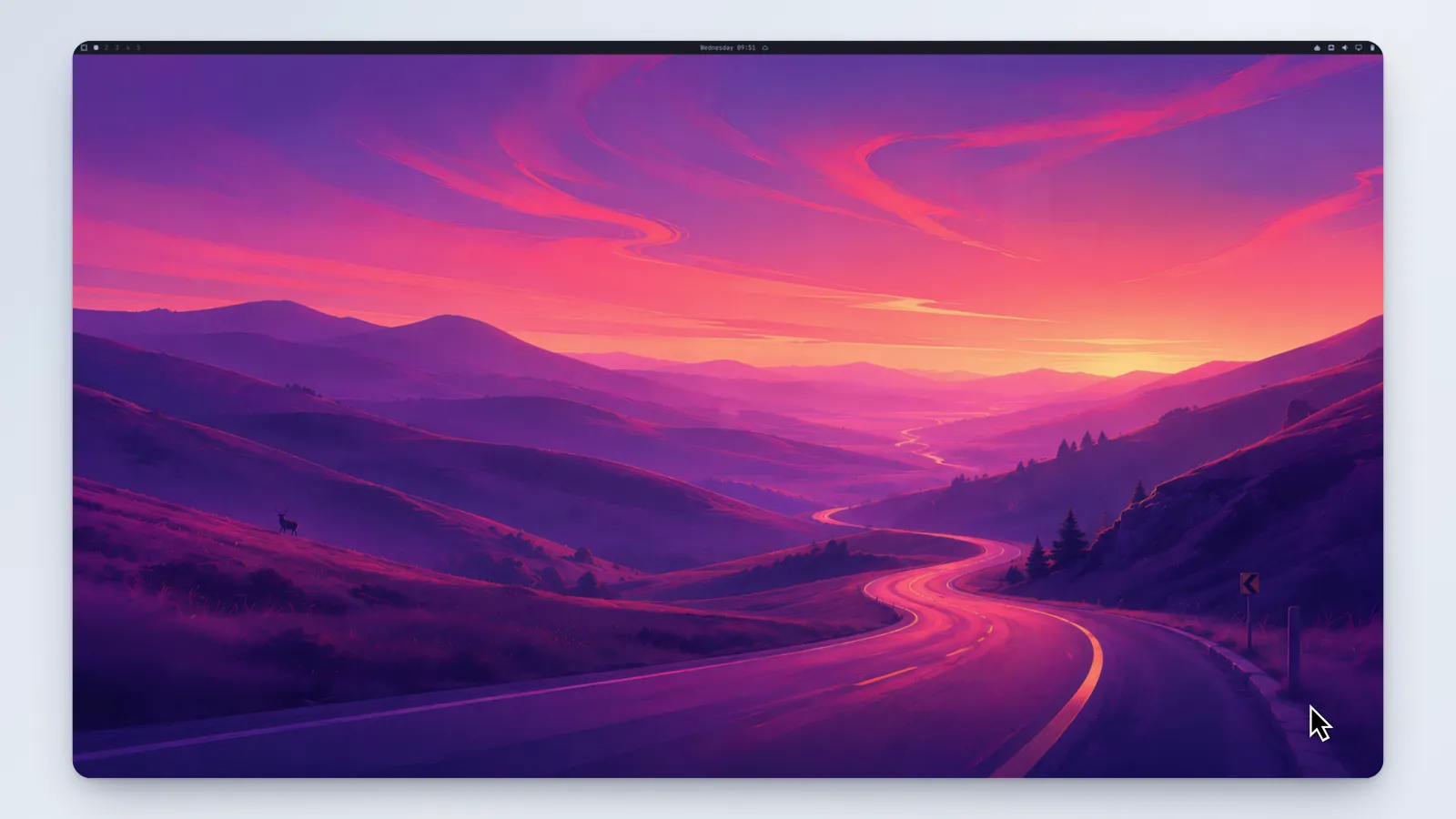
Omarchy is a Linux desktop worth trying, and trying it meant either wiping a machine or finding a spare one. Both are a lot to ask of someone who just wants to know whether they’d like it.
That’s not a Linux problem. It’s the same problem I worked on at Blockdaemon, where deploying a blockchain node meant a multi-week sales conversation before anyone could see the product — and reframing it as a checkout flow grew usage 23x in a year. The move is identical: find every step between wanting the thing and having it, and delete the ones that exist for the builder’s convenience rather than the user’s.
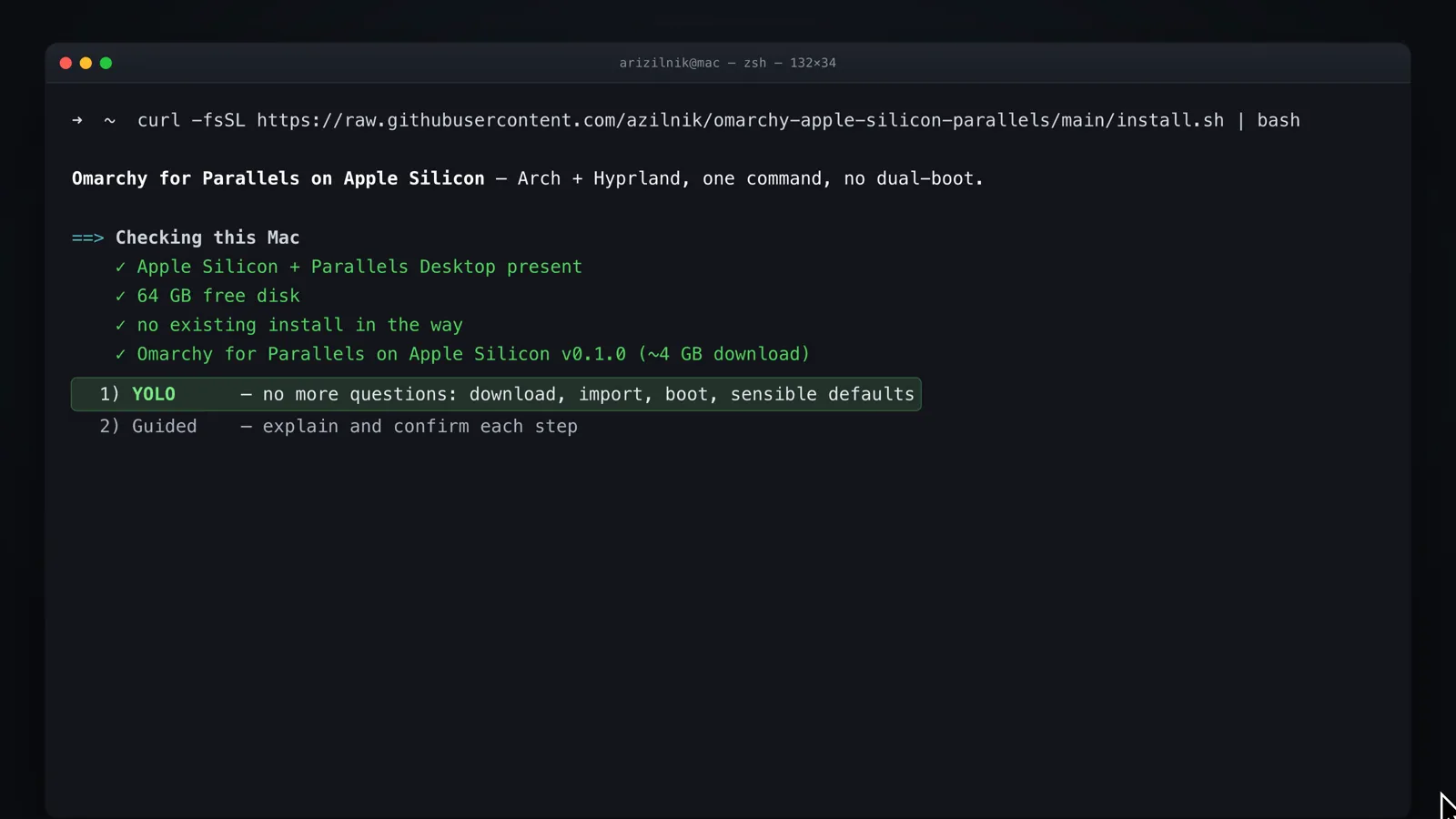
So: one command, on any Parallels edition including the free trial, and you’re in the desktop. Two weeks to evaluate it, no hardware, nothing to undo.
Defaults that don’t interview you
The installer offers a path that asks nothing. Username, password, and hostname get a ten-second countdown to sensible defaults, and if you don’t type anything it proceeds.
Every setup question is a chance to bail, and the questions in an OS installer are the worst kind: they’re consequential enough to be scary and arrive before you have any of the context you’d need to answer well. Someone evaluating a desktop for the first time has no opinion about a hostname. Asking them to form one, at the door, before they’ve seen anything, is how you lose them at the threshold.
The questions are still there for anyone who wants them. They’re just not the default, and they time out.
The keyboard is where it actually breaks
Omarchy’s modifier key is Super. On a Mac that’s ⌘, which the host operating system and the virtualization layer have both already claimed — Parallels in particular keeps Cmd+Return for fullscreen, and Omarchy uses Super+Return for the terminal.
The fix is unglamorous and it’s most of the real design work: remap so that Super is ⌘ where it can be, move the terminal to a binding that survives, document the full map, and document how to get the native bindings back for anyone who’d rather have them. Menu is Cmd+Space. Terminal is Cmd+Ctrl+Return.
Nobody is impressed by a keymap. But a desktop where the terminal shortcut fullscreens the window instead is a desktop that feels broken in the first thirty seconds, and no amount of one-command installation survives that.
Verify is a feature, not a debug tool
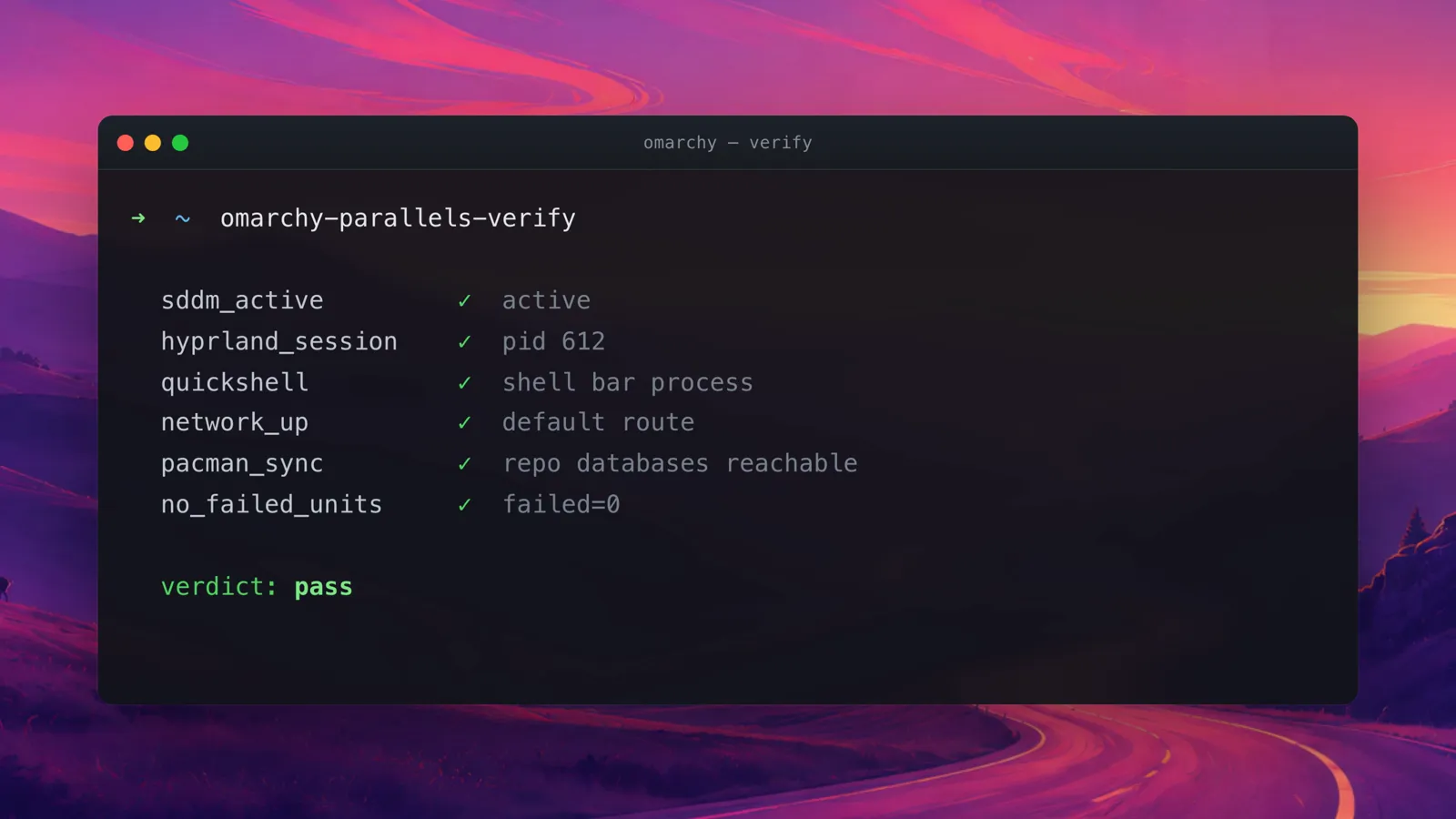
Inside the VM there’s a command that prints a green or red health report on every component: omarchy-parallels-verify.
The reason it ships as a first-class command is that the failure mode for this kind of project is ambiguity. Something is off, and you don’t know whether it’s the image, the host, Parallels, your Mac, or you. Ambiguity is what makes people give up. A report that names the broken piece turns “this doesn’t work” into a specific thing you can search for or report.
Lead with what’s broken
The README has a Known Limitations section near the top, and it says the graphics are software-rendered, that a package manager prints a harmless keyring error on ARM, that a few applications are deliberately skipped, and that all of it was verified on one machine — an M3 — with reports from other hardware welcome.
Publishing the limitations up front costs some downloads. It buys the only thing that matters more: someone who hits the software rendering and already knew about it is a user, and someone who hits it as a surprise is a bug report and a bad first impression. “Don’t judge animation polish here” is a sentence that saves both of us an afternoon.
The image is built entirely by the public scripts in the repo, sysprepped so first boot regenerates its own identity — no keys, no machine-id, no shell history — with SSH off by default. Releases are signed, the AI involvement is disclosed, and the whole thing rebuilds from a stock base if you’d rather not trust mine. MIT licensed.
Impact
1
Commands between wanting the desktop and running it
60 sec
First boot to a usable desktop, no questions asked
0
Partitions repartitioned, spare machines required, risk taken