Flexible Filtering for Developer Diagnostics
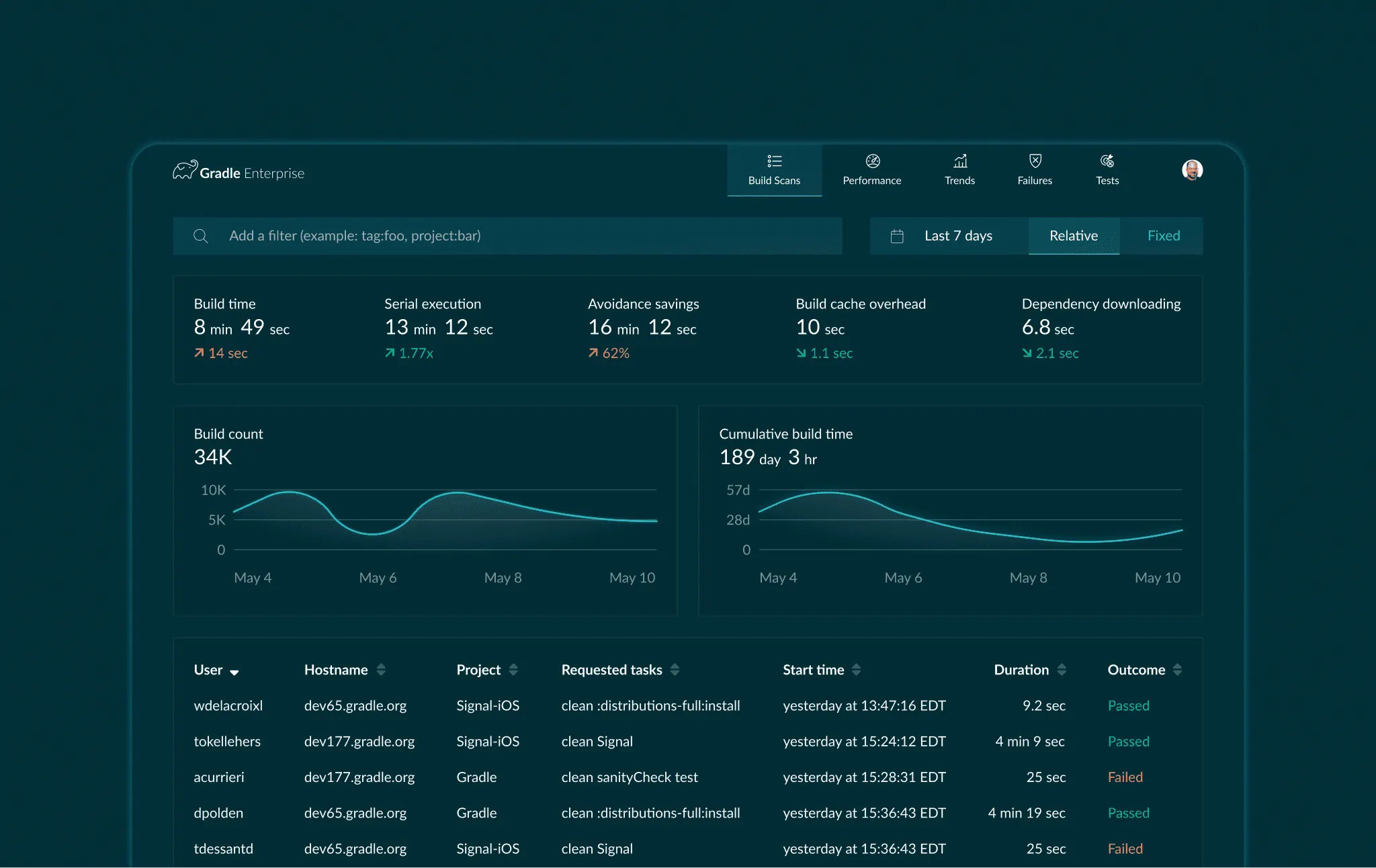
Gradle builds developer productivity tools. Large engineering organizations like Netflix and Salesforce use Gradle Enterprise (now Develocity) to keep their development pipelines healthy.
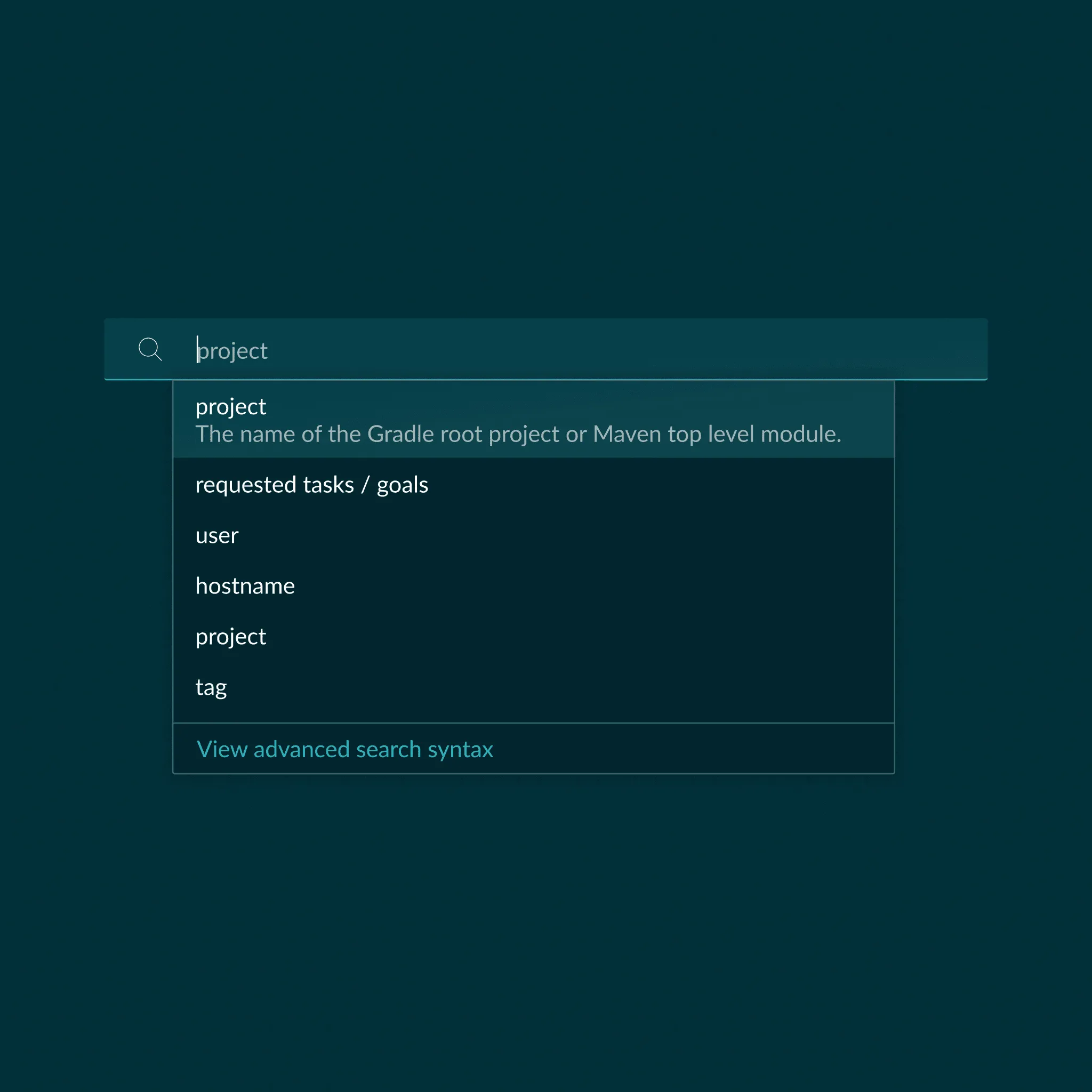
The filtering pattern replaces a dozen scattered dropdowns with a single typed input. Users describe what they’re looking for and the omnibar offers filter conditions they can stack. As lead designer, I owned how those teams diagnosed slow tests and tracked down flaky failures across thousands of daily builds.
Typed suggestions surface the taxonomy
A new user types slow and the omnibar offers duration greater than and status: failed as next steps. Filters become discoverable through use rather than through documentation (just like an old Nintendo game!).
We prototyped against Gradle’s actual build event data rather than fixtures, so the edge cases like large datasets surfaced early. Engineering caught the failure modes in the prototype and could fix them before V1.
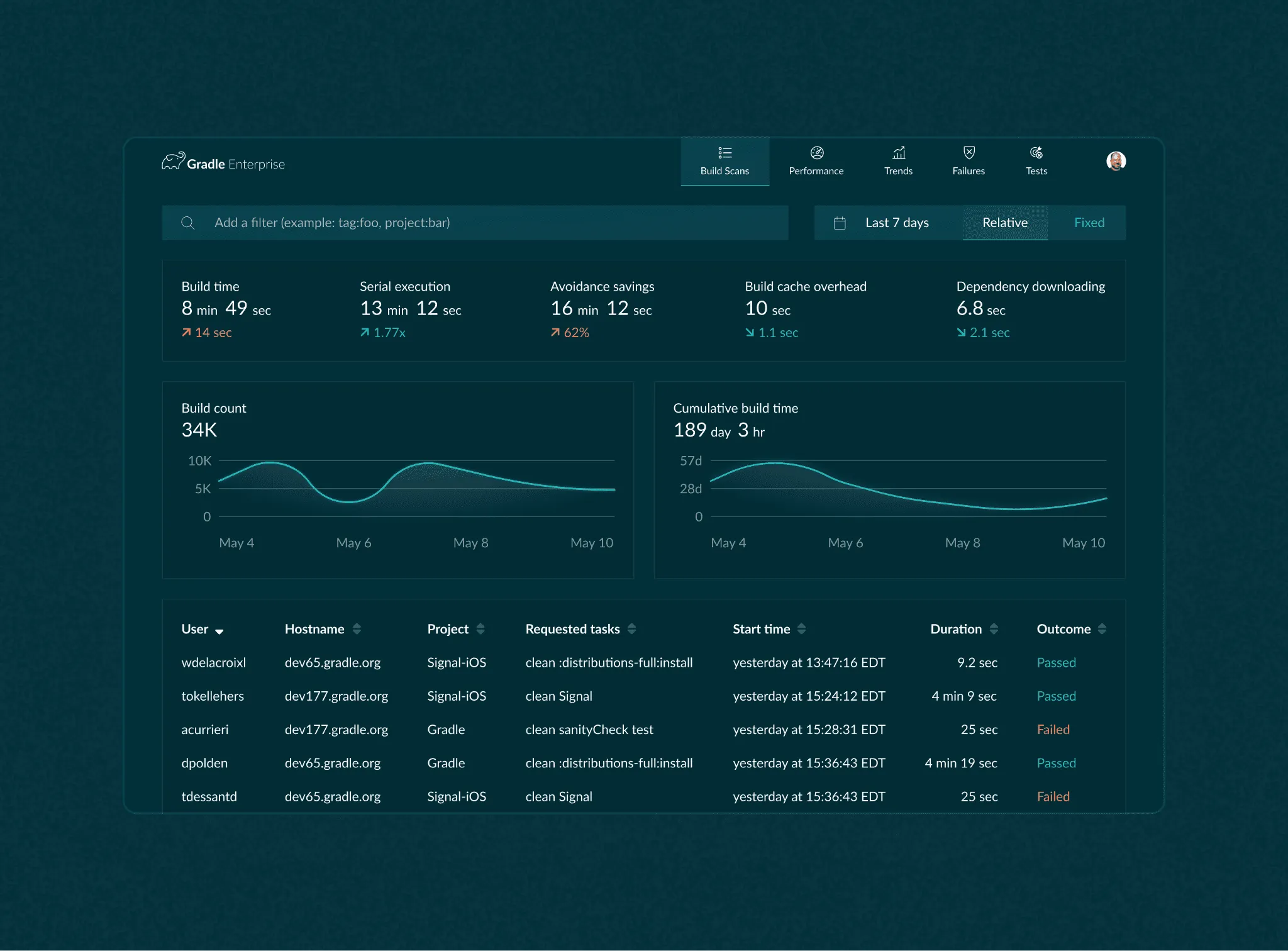
A pattern that fed every diagnostic view
The same filter chain drove the scoped task list, the diagnostic detail, and the summary roll-ups. Once a user learned the omnibar on the build list, the same interaction worked across the rest of the product.
Results
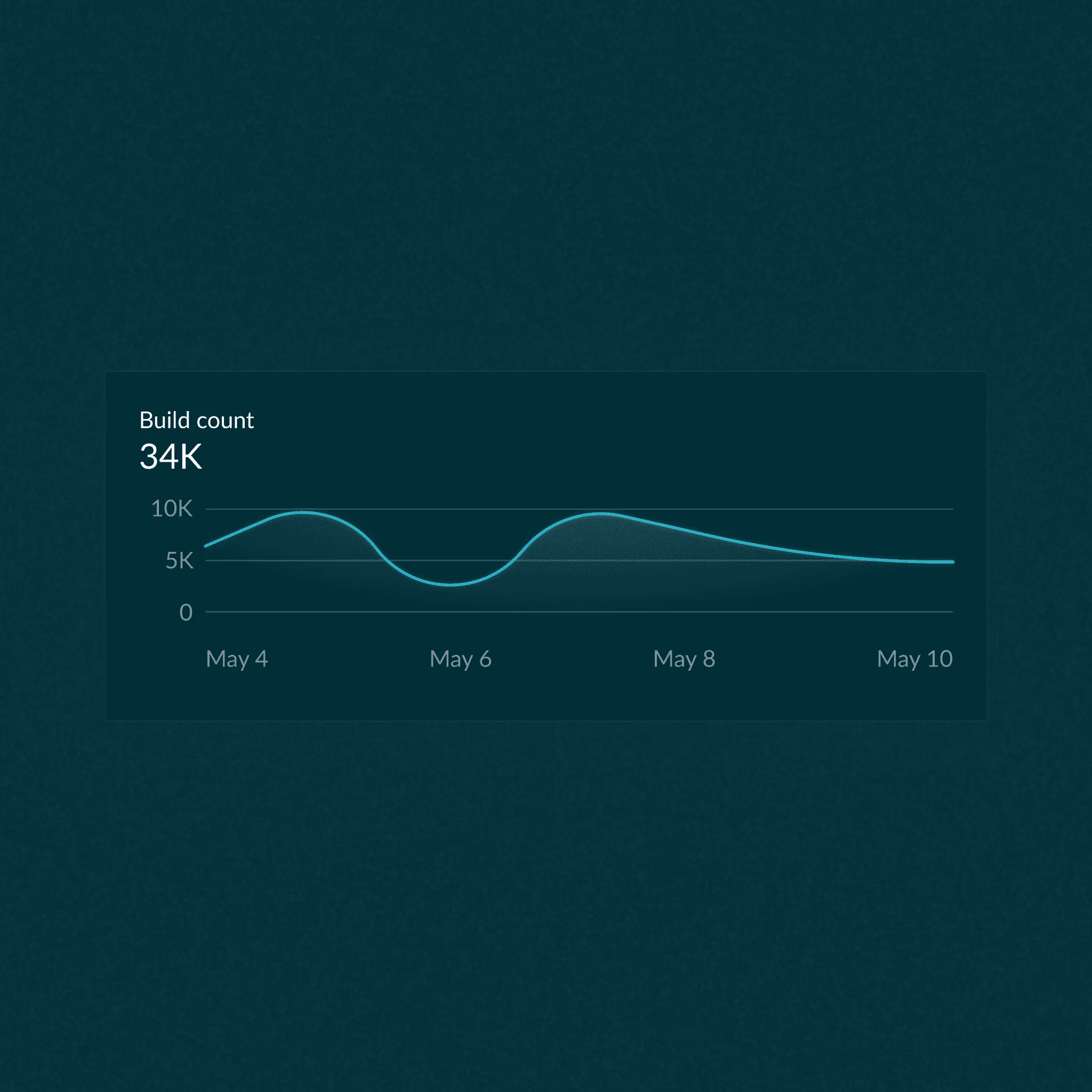
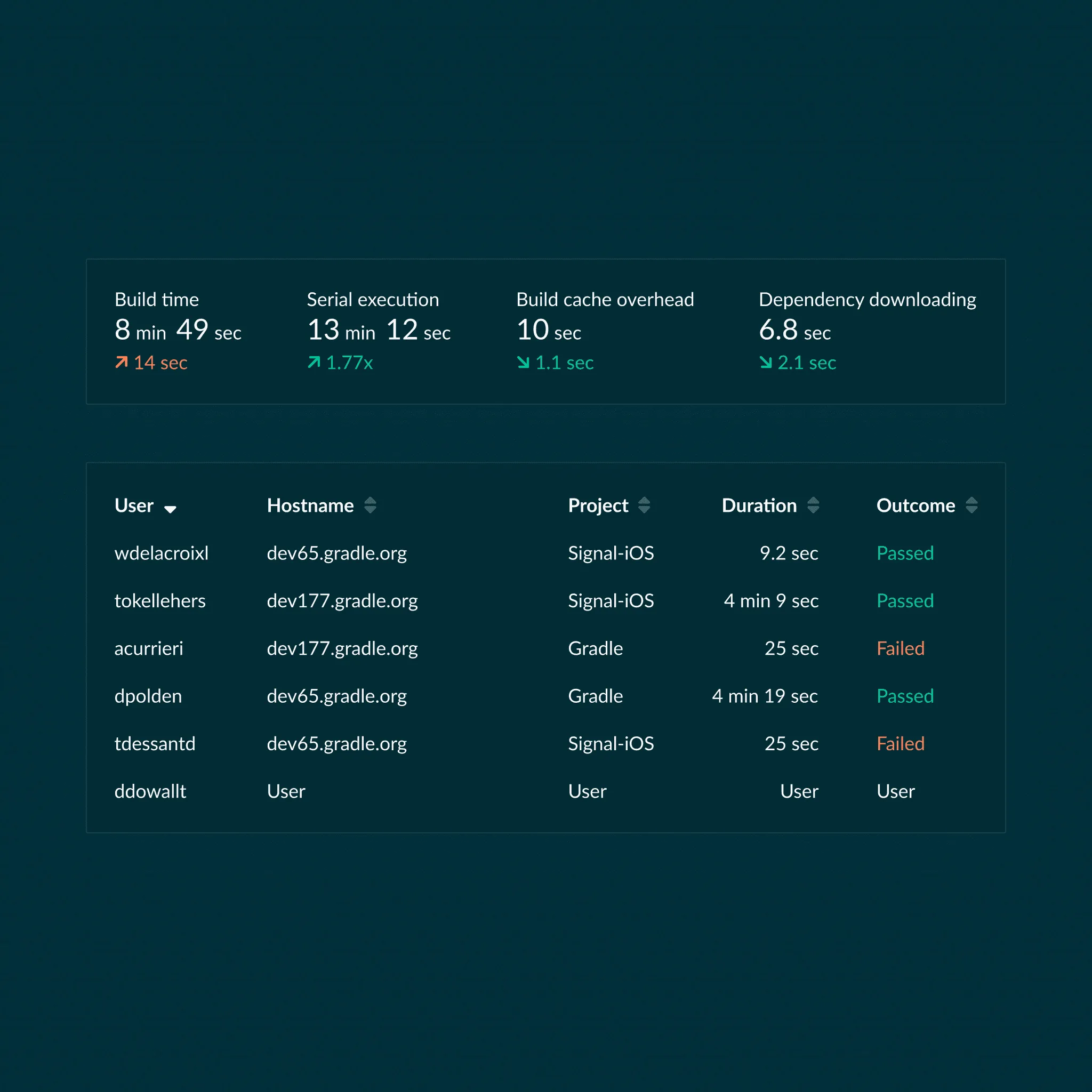
The omnibar and its syntax became the filter language for Gradle Enterprise rather than a one-view feature.